
Agencies
Running outbound for several clients at once
- Keep a separate list and sending identity per client
- Pull fresh domains daily for prospecting-heavy retainers
- Report replies and conversions back from one scoring view
13 tools, one subscription, from $59/month
Aries Leads is an all-in-one B2B lead generation platform. Find and verify business emails, pull contacts from websites and social profiles, enrich your CRM, and run cold email sequences, all from a single subscription that replaces a $500/month tool stack.
The maths
Every layer of an outbound stack is sold separately, and each one bills differently: per seat, per credit, per mailbox. Aries Leads charges once.
A typical stack
5 vendors
Five invoices, five renewal dates, five exports.
Aries Leads
$59/month
One invoice. One login. One export format.
The platform
Most outbound stacks are four vendors taped together with CSV exports. Aries Leads runs the whole sequence in one place, so a contact you found this morning can be verified, enriched and in a campaign before lunch.
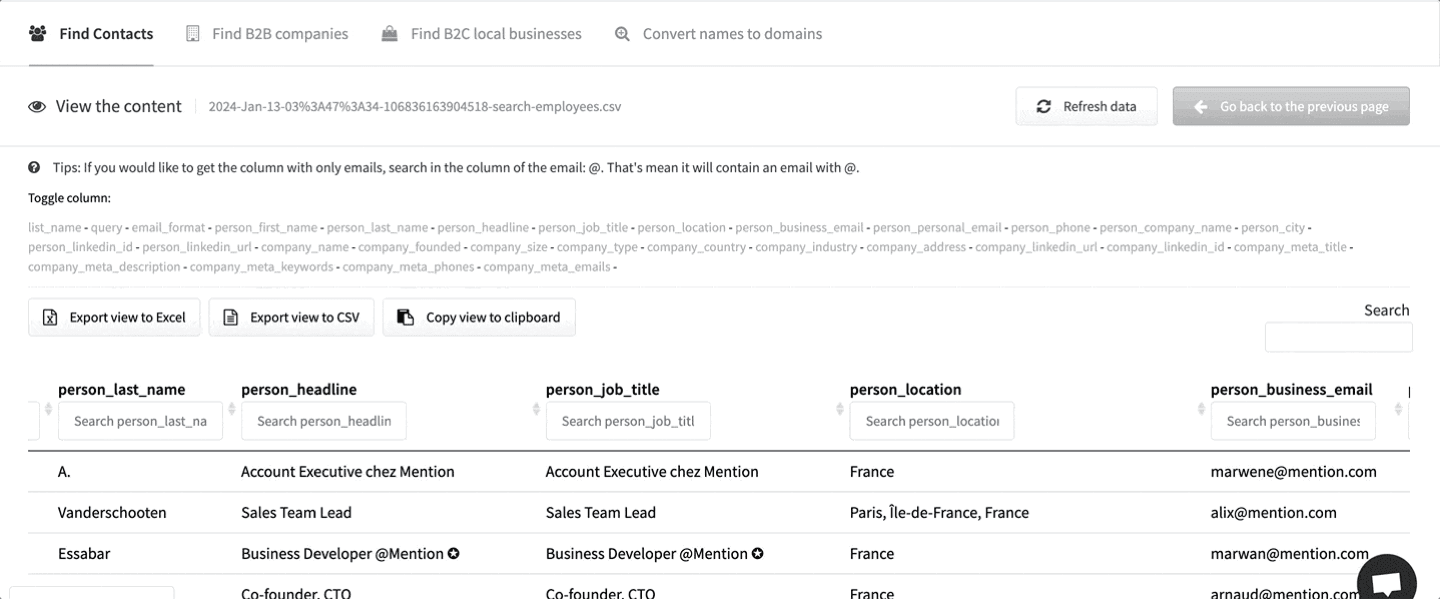
Step 01: Source
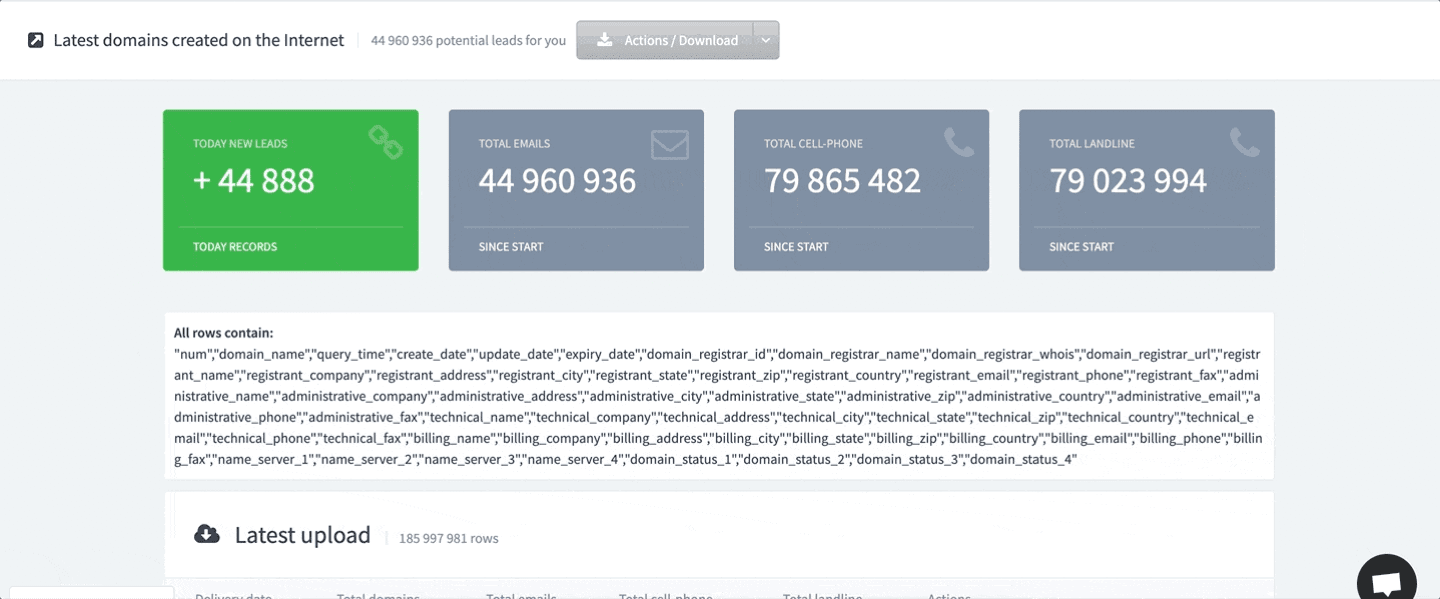
Pull contacts out of social profiles, whole domain lists, or the register of domains created yesterday. Every source writes into the same list format, so nothing needs reformatting before it moves on.
Step 02: Verify & enrich
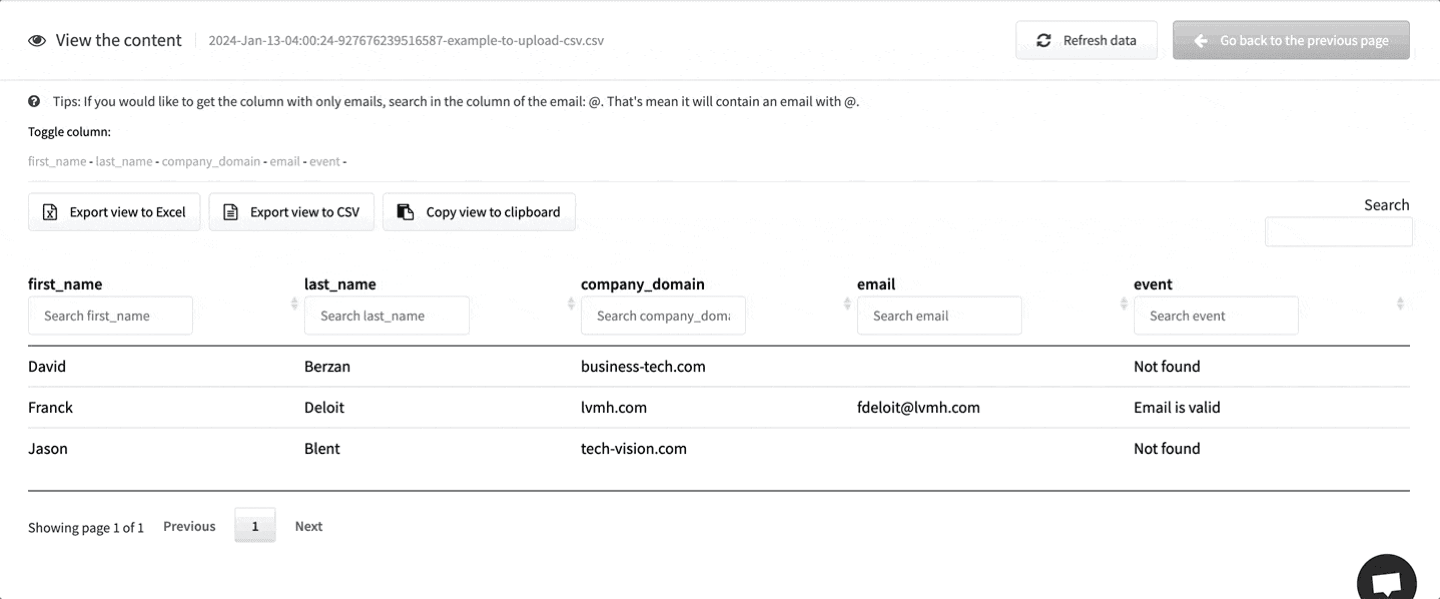
Check every address against live validity signals, fill the gaps in records you already own, and block disposable addresses at your own signup form through the API.
Step 03: Engage
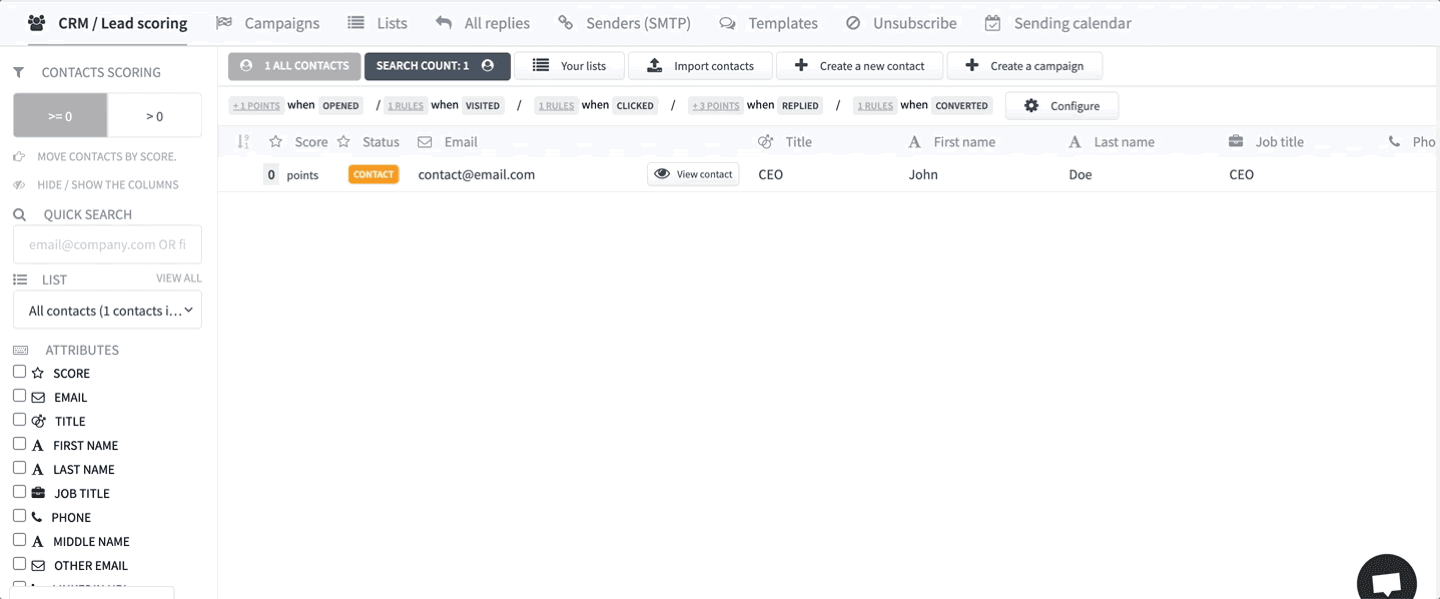
Multi-step campaigns with scoring, reply tracking and inbox warm-up built in. No export, no re-import, no second subscription for sending.
Step 04: Convert
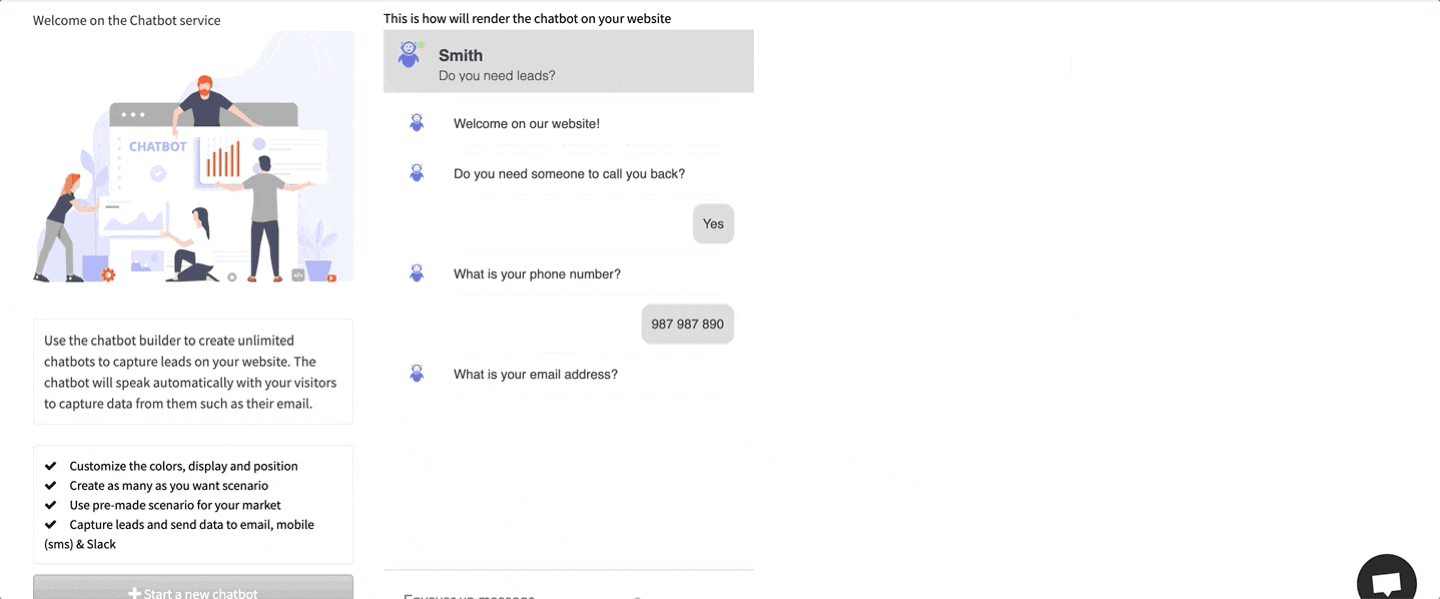
Qualify visitors with a chatbot, build credibility with live proof notifications, collect reviews automatically, and publish search-optimised articles that bring more of them in.
APIs & webhooks
Post a JSON request to trigger enrichment or verification, and send events onward to your CRM when a contact replies. The automation reference documents every endpoint with worked examples for sales, operations and agency workflows.
How it works
Five steps, one login. The order rarely changes. What changes is how much of it you have to stitch together yourself.
Start from whichever source matches your market. Search by role and company to find named people, paste a list of domains to pull every public contact from those sites, or take the register of domains created in the last 24 hours if you sell to new businesses. All three write into the same list format, so nothing needs reshaping afterwards.
Run the list through verification to separate valid addresses from catch-alls, role accounts and dead mailboxes. This is the step most teams skip and the one that decides whether a sending domain survives its first campaign. A bounce rate above roughly 3% is what triggers filtering at the major inbox providers.
Enrichment adds the fields a bare email address does not carry: job title, company size, industry, location and direct numbers. Those fields are what make segmentation possible, and segmentation is what separates a sequence that gets replies from one that gets reported.
If the sending domain is new, warm-up ramps volume gradually and builds a normal-looking engagement history before real campaigns start. Then build the sequence (steps, delays, segments) and send from the same account that holds the list. No export, no re-import, no mapping columns between two vendors.
Contacts are scored as they open, click, reply and convert, so the follow-up list builds itself. Send those events onward to your CRM through webhooks, or pull enrichment into your own systems through the API when you would rather drive the workflow from outside.
Who it's for
The tools are the same. What changes is the order you run them in.
Running outbound for several clients at once
Building pipeline without a data vendor contract
Reaching a narrow list properly rather than a broad one badly
Pricing
Every tool is included on both plans. The difference is how many people can use them.
Up to 5 users
$59/mo
placeholder
Unlimited users
$99/mo
placeholder
10-day free trial · No credit card required · Cancel anytime
Questions
Everything teams ask before they start a trial.
Ten days free, no card. Build a list, verify it, and send the first sequence before your current tools finish syncing.
10-day free trial · No credit card required · Cancel anytime